Dashboard Management — Frontend
Built a full admin dashboard frontend covering the whole back-office: an overview home, realtime-looking analytics, orders, products, users, reports, third-party integrations, and a settings panel.
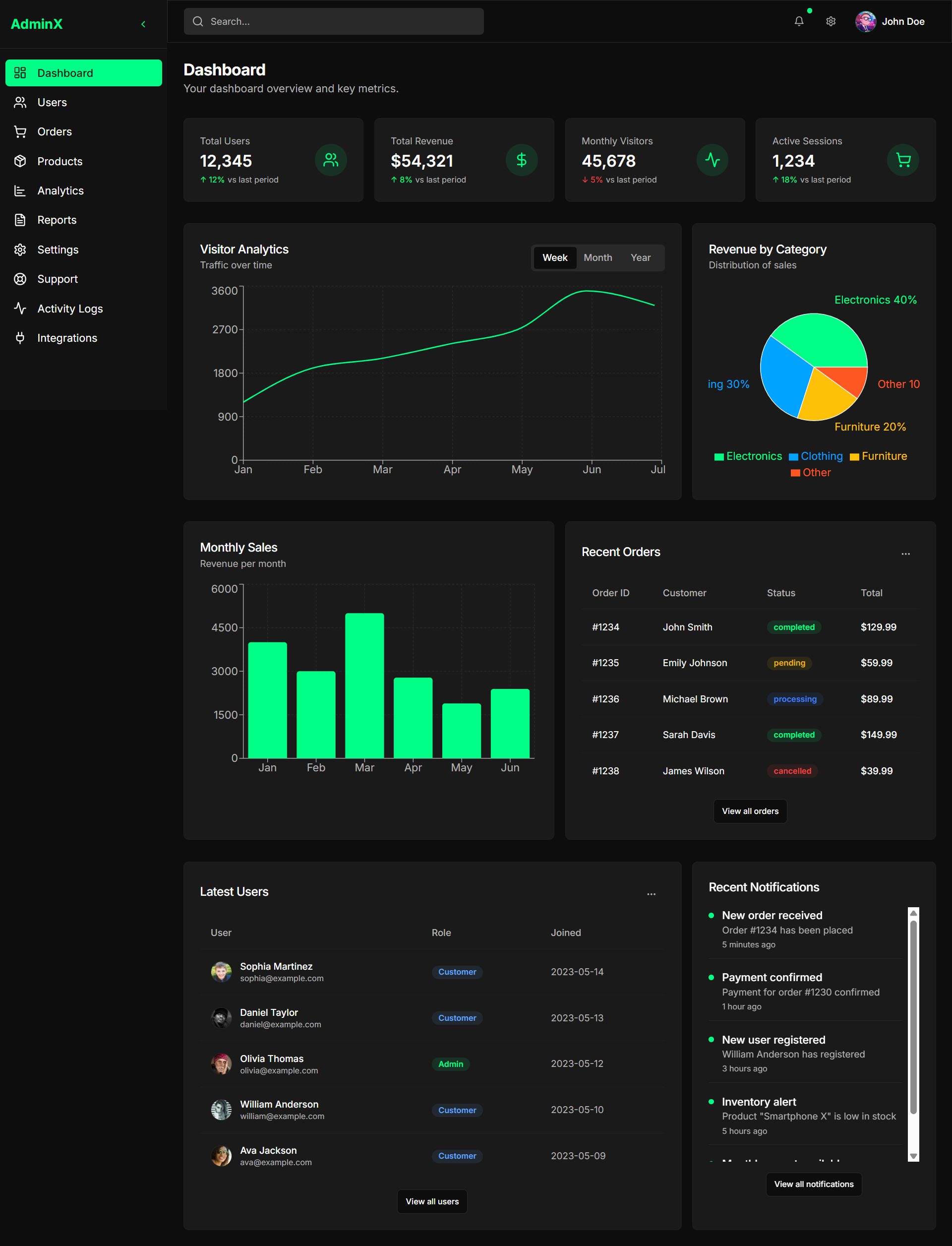
A visual journey through the screens.
8 frames, capture by capture — how Dashboard Management actually flows, from first launch to final booking.
Overview at a glance
The home screen leads with the numbers that matter — revenue, volume and activity — with the day's highlights and quick actions close at hand.
Advanced Analytics
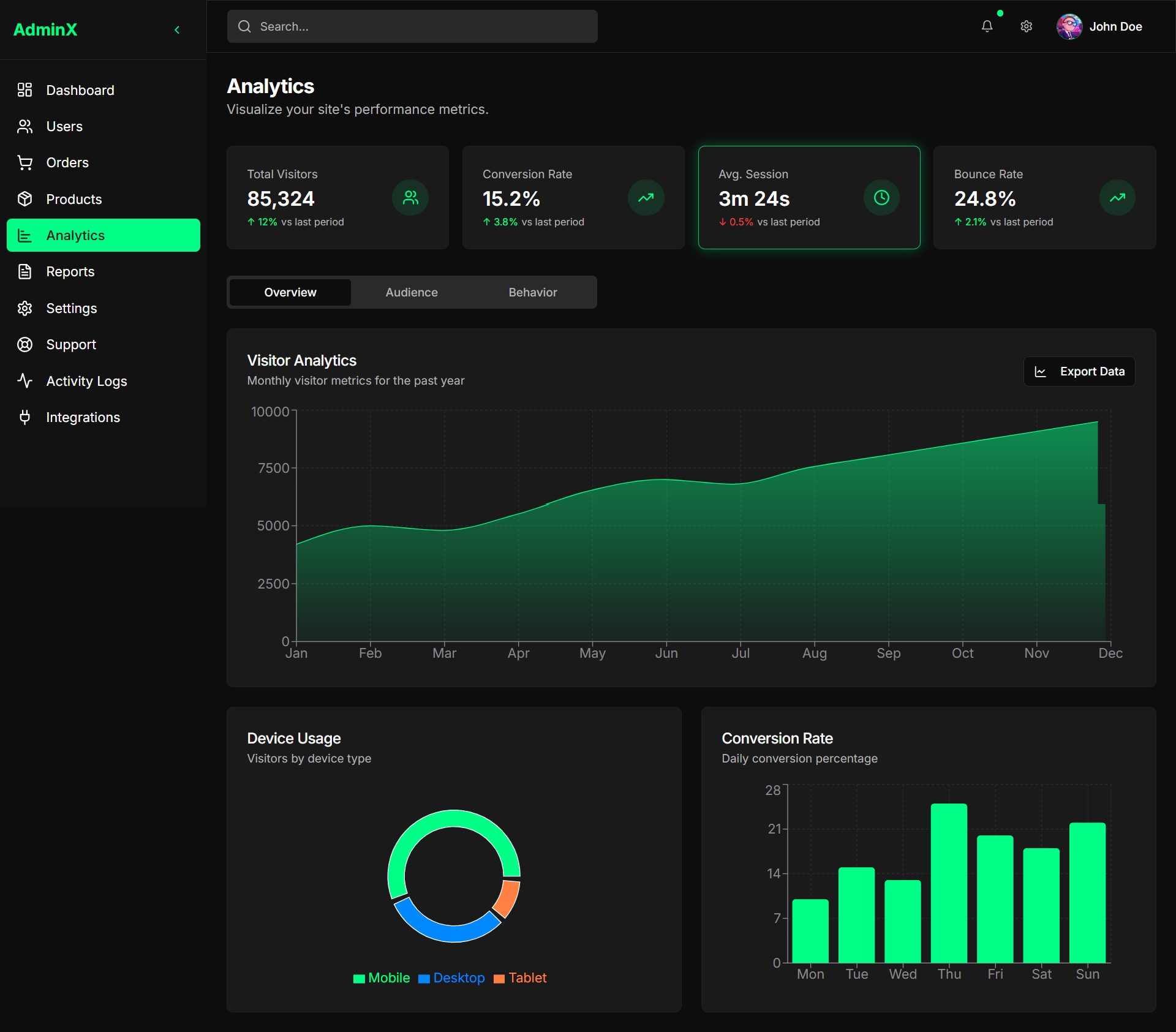
Interactive charts and filters turn the raw metrics into trends you can actually read — traffic, sales and conversions over time.
Orders
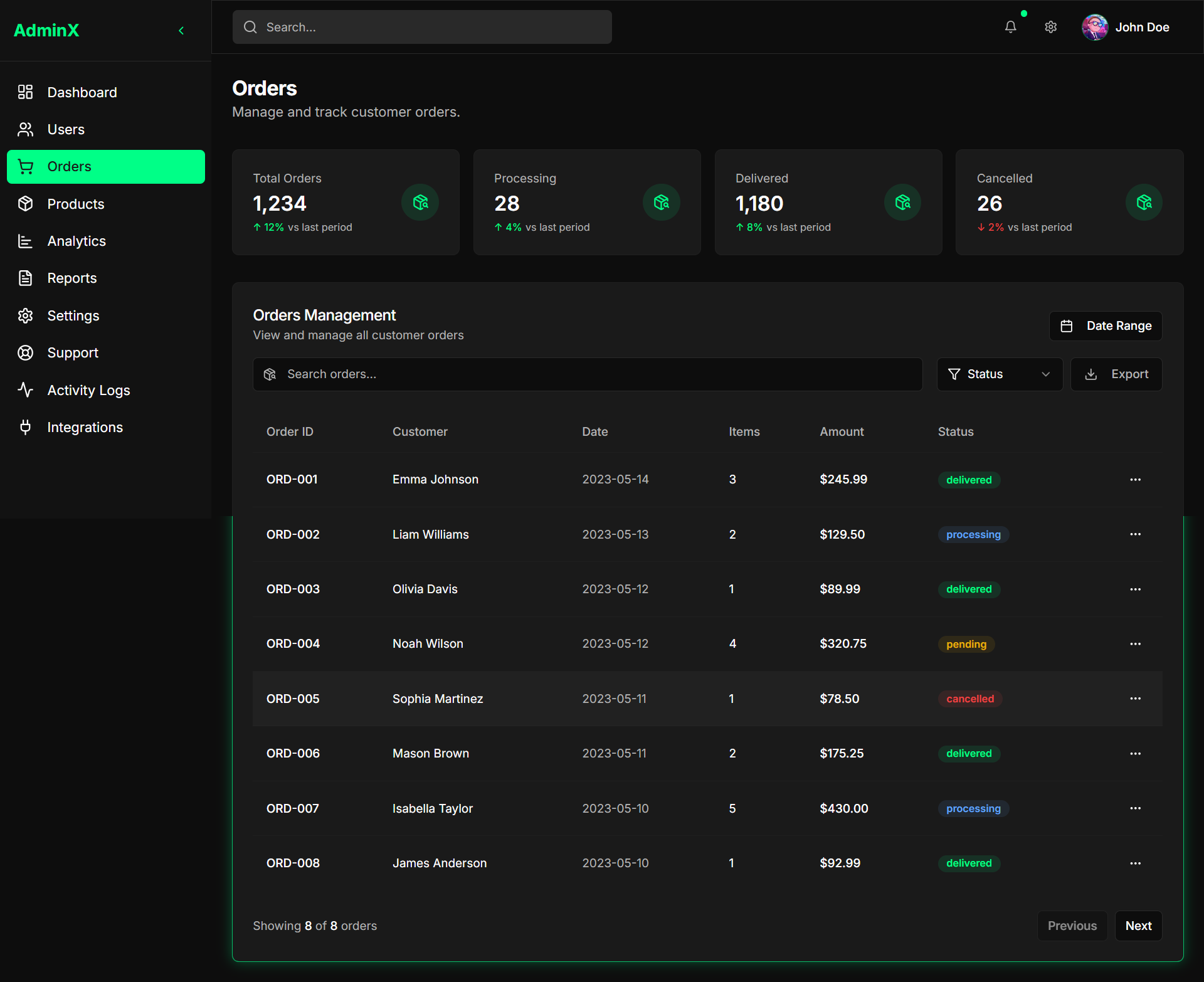
Every order in one searchable table — status, payment, customer and amount — with row-level actions for the full fulfillment flow.
Products
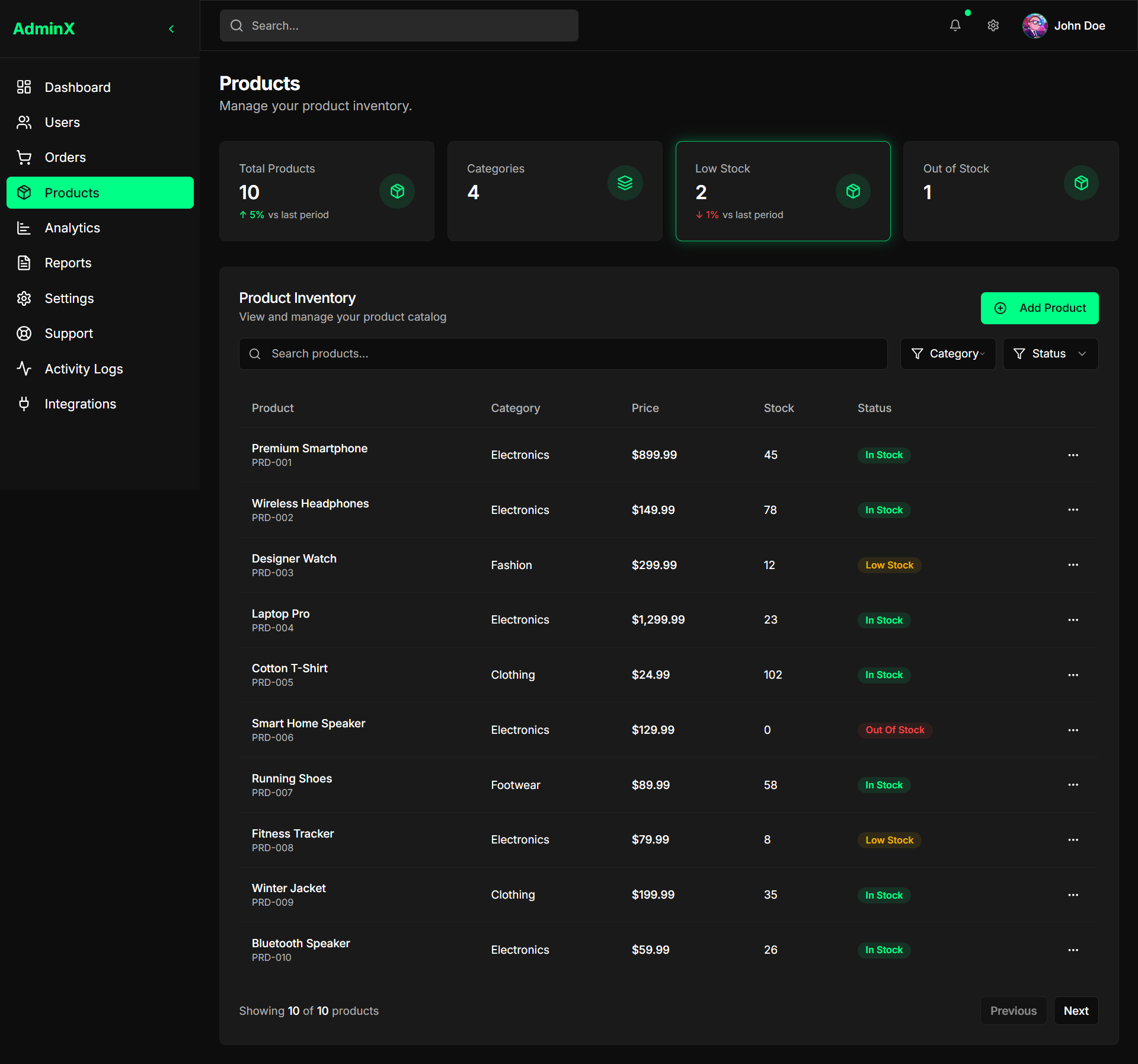
A manageable catalog with inventory, pricing and visibility toggles — edit and restock without leaving the list.
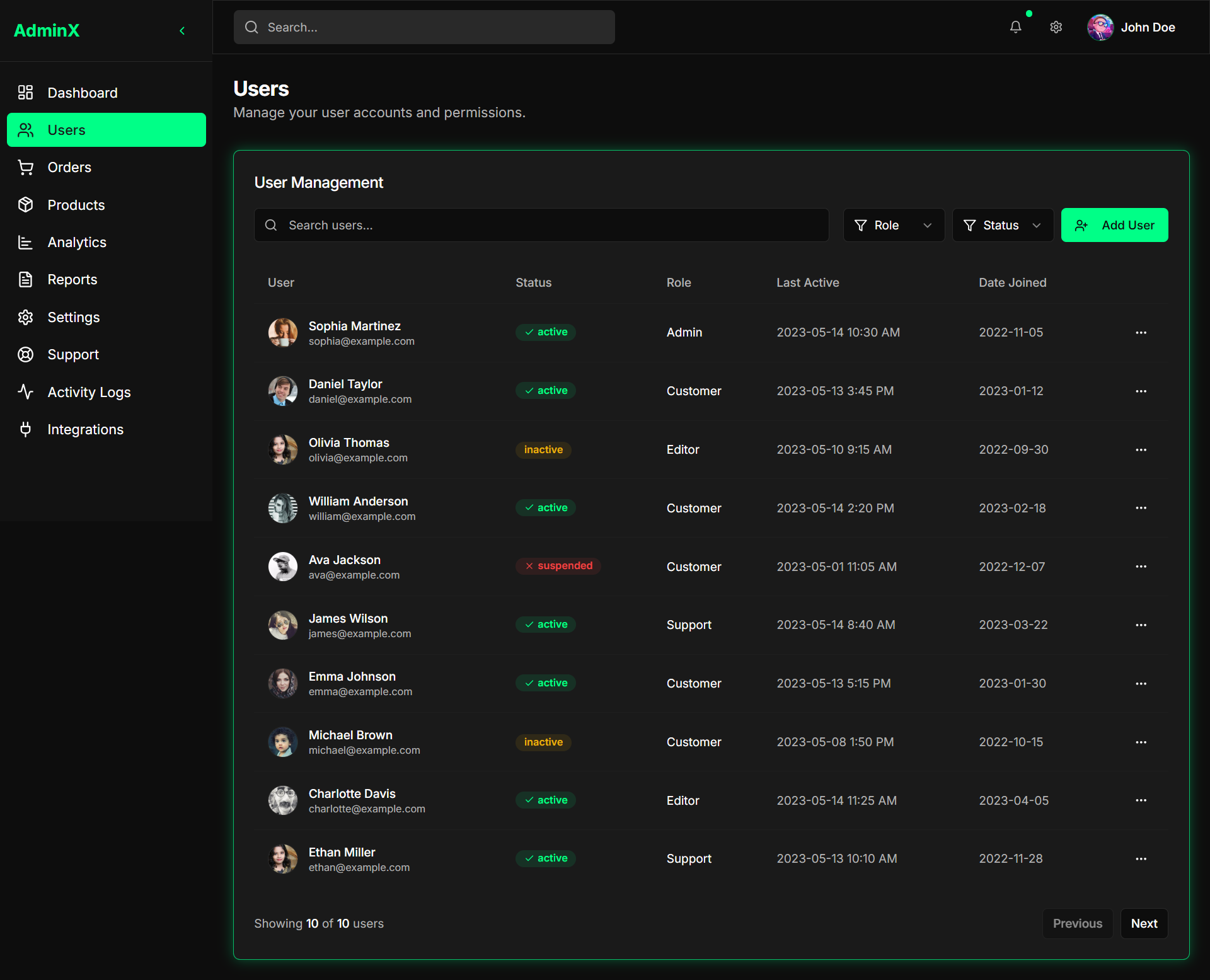
Users
Customer accounts with roles, activity and status, so the team can support, monitor or restrict access in a couple of clicks.
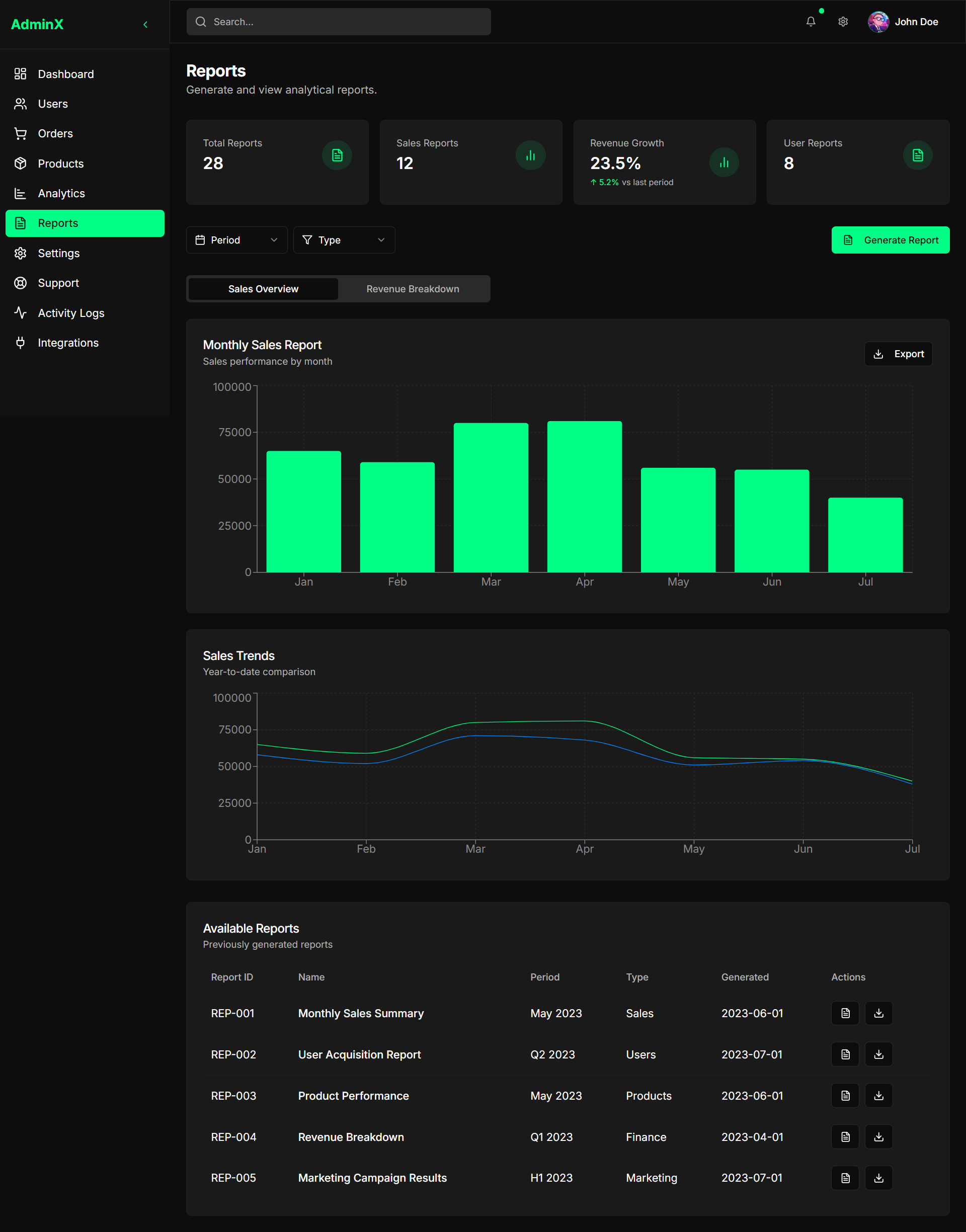
Reports
Long-horizon reporting — exports, summaries and printable breakdowns for finance and operations reviews.
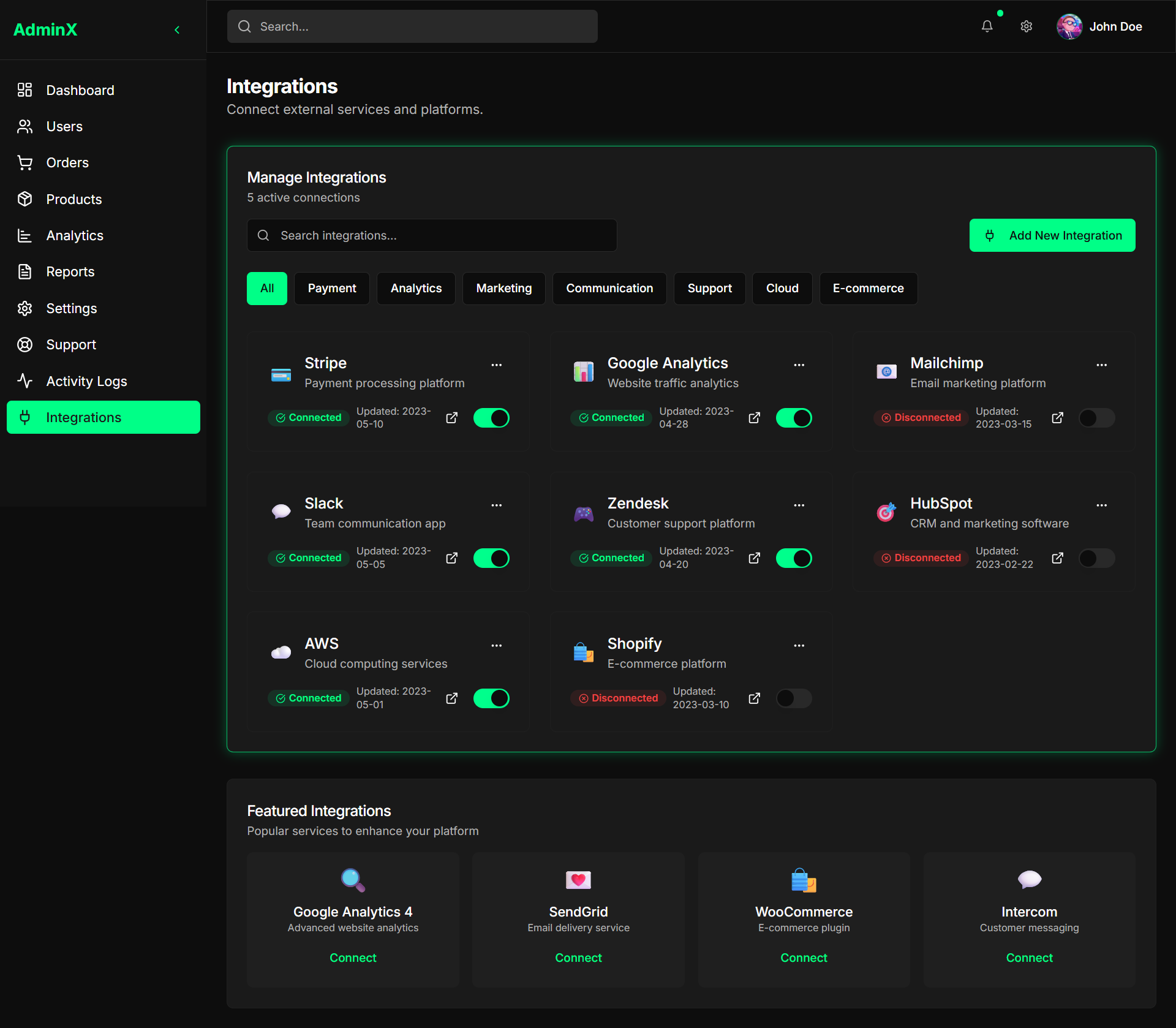
Integrations
Third-party services connected side by side — each with its status, key and sync controls, so the stack stays glued together.
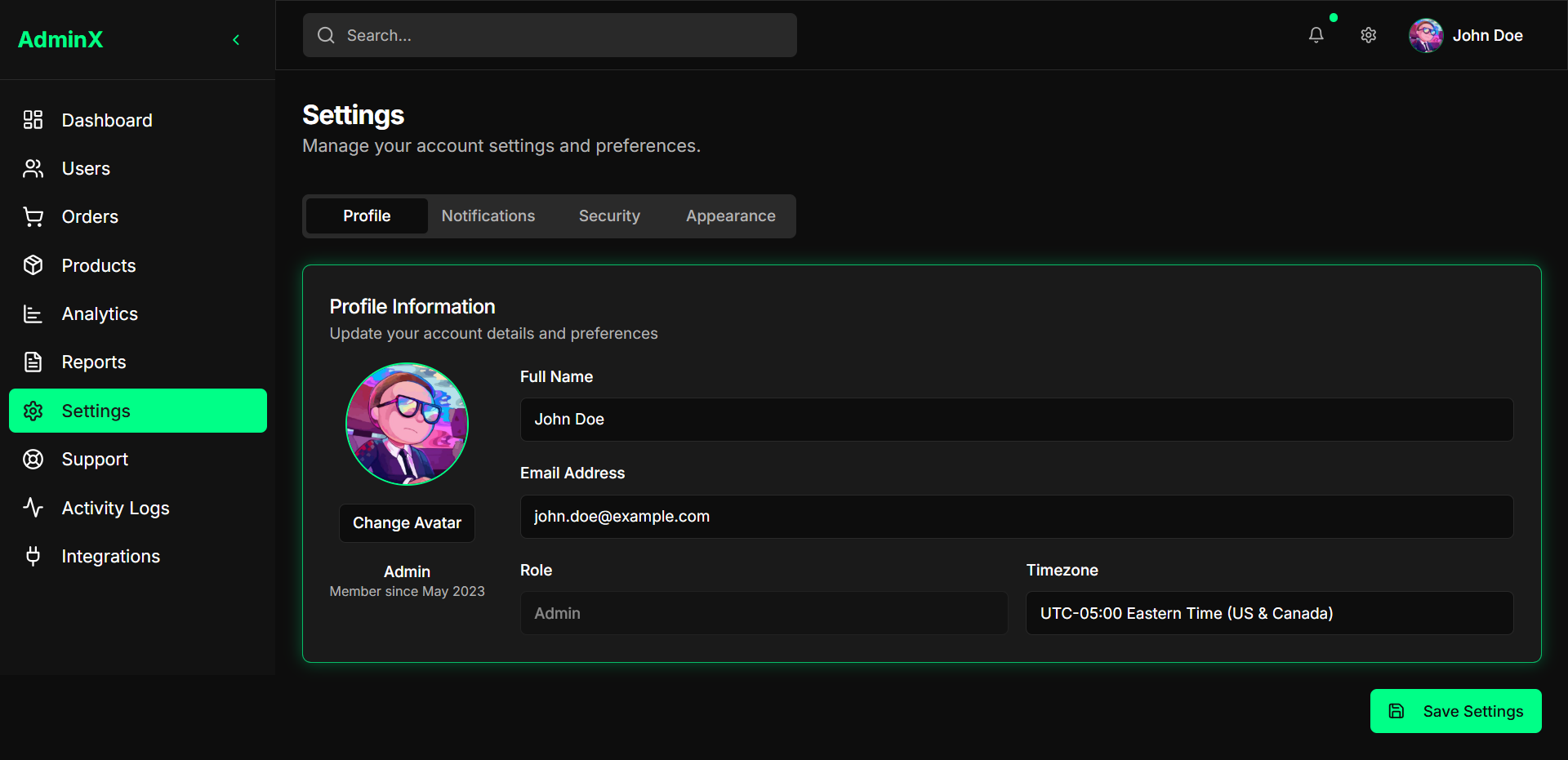
Settings
The back-office's control room: workspace, billing, team permissions and preferences, all in a single settings panel.
A single place to run an online business: track what's selling, who's buying, and where things stand — without jumping between tools.